
Package Solution Package solution
hyperQ AI Safety
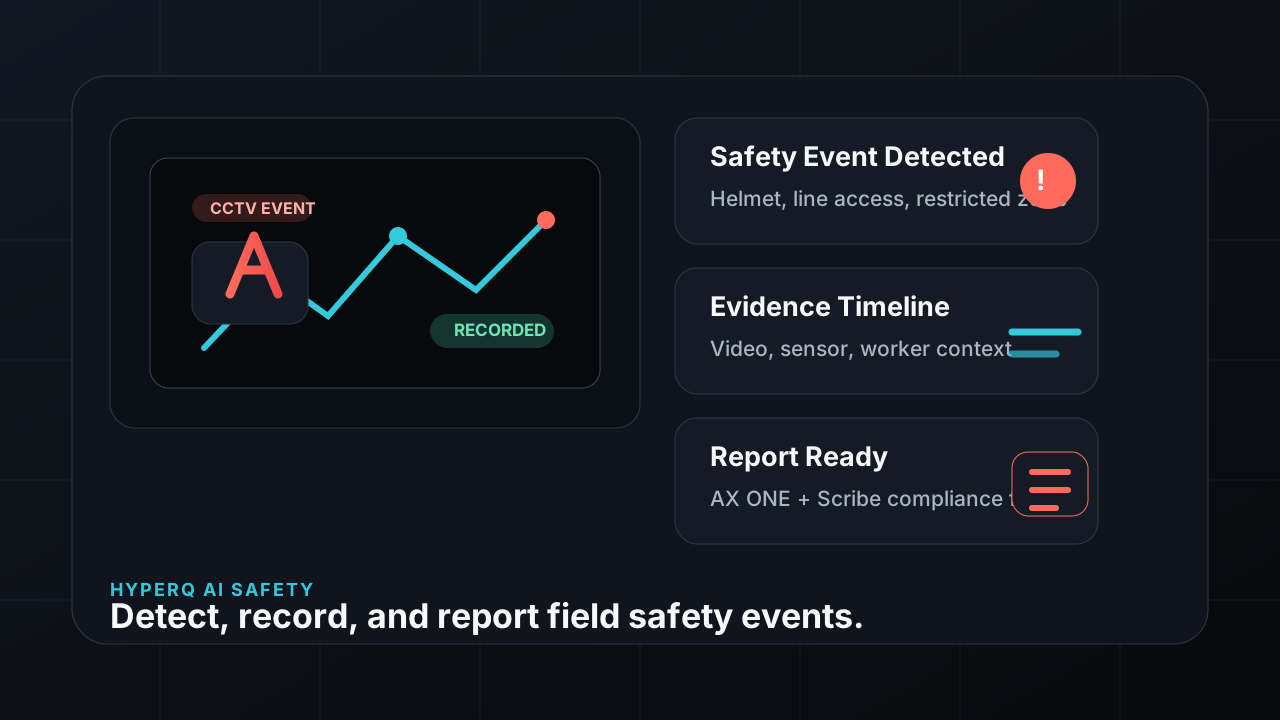
hyperQ AI Safety detects collapses, falls, and collisions in IP camera video, detects fire from thermal camera temperatures, and monitors worker vital signs through smart bands, raising real-time alerts for abnormal situations. It is installed on-premises, with detection zones, alert thresholds, and video retention periods configured to match site conditions.
Role
An industrial site safety monitoring system that combines AI analysis of CCTV video with wearable vital-sign data
Capabilities
What AI Safety does
Real-time monitoring of RTSP IP cameras — 1/4/5/6/7 split-screen layouts
AI video detection and alerting for collapses, falls, and collisions
Fire detection based on thermal camera temperature
Polygon definition of detection and exclusion zones for each camera
Smart band vital-sign monitoring (heart rate, body temperature, oxygen saturation)
Real-time alert plus automatic warning-light activation when a threshold is exceeded
Continuous video recording, playback by date, and automatic cleanup at the end of the retention period
Event log lookup and per-band vital-sign time-series charts
Automatic camera discovery and registration, plus device group management
Where it is used
Where it is used in the field
Detecting worker accidents in unattended areas
When a collapse, fall, or collision is detected in an area where a worker is alone, an alert appears immediately on the monitoring screen and the on-site warning light turns on automatically. Detection areas are drawn as polygons over the camera view, so false-positive-prone zones such as walkways can be excluded.
Early fire detection at high-temperature equipment
The thermal camera watches the maximum temperature in a designated zone, and if the configured reference temperature is exceeded continuously for longer than the configured duration, it is judged a fire and an alert and log entry are recorded. The reference temperature and the minimum continuous detection time are adjusted on the settings screen.
Responding to worker health anomalies
The smart band measures heart rate, body temperature, and similar values at regular intervals and sends them to the server; if a value falls outside the configured normal range, an alert is raised immediately. An administrator can send a vibration to that band to notify the wearer.
Reviewing video and logs after an incident
The event log shows the time of occurrence, the device, and the detection type, and the recording from that moment can be played back. Video and logs past the retention period are cleaned up automatically by the scheduler.
Facts
Facts to check before adoption
How it's delivered
Package build — deployed as a Safety Compliance Pack configuration
What it connects to
- RTSP-capable IP cameras — real-time stream reception and recording
- Automatic discovery of cameras and RTSP addresses through ONVIF search
- Thermal cameras that provide temperature data
- BLE smart bands — received by the server through a gateway
- USB relay warning light — turns on automatically when an anomaly is detected
Pre-consultation checks
- Whether your cameras support RTSP streaming or ONVIF discovery
- Fire detection requires a thermal camera that provides temperature data
- Smart band use requires the specified band model and a BLE gateway
- Automatic warning-light activation requires USB relay hardware
- Secure video storage capacity and server specifications matched to the retention period
Supported environments
Supported environments
Items to check against your current operating environment. Environments not on this list can be confirmed during a consultation.
Windows server — Windows 10 minimum per the product documentation
On-premises installation — deployed directly on in-house servers
An NVIDIA GPU is recommended for video analysis
Web browser access — designed for 1280px desktop, supports 768px tablets
Works with
Products used together
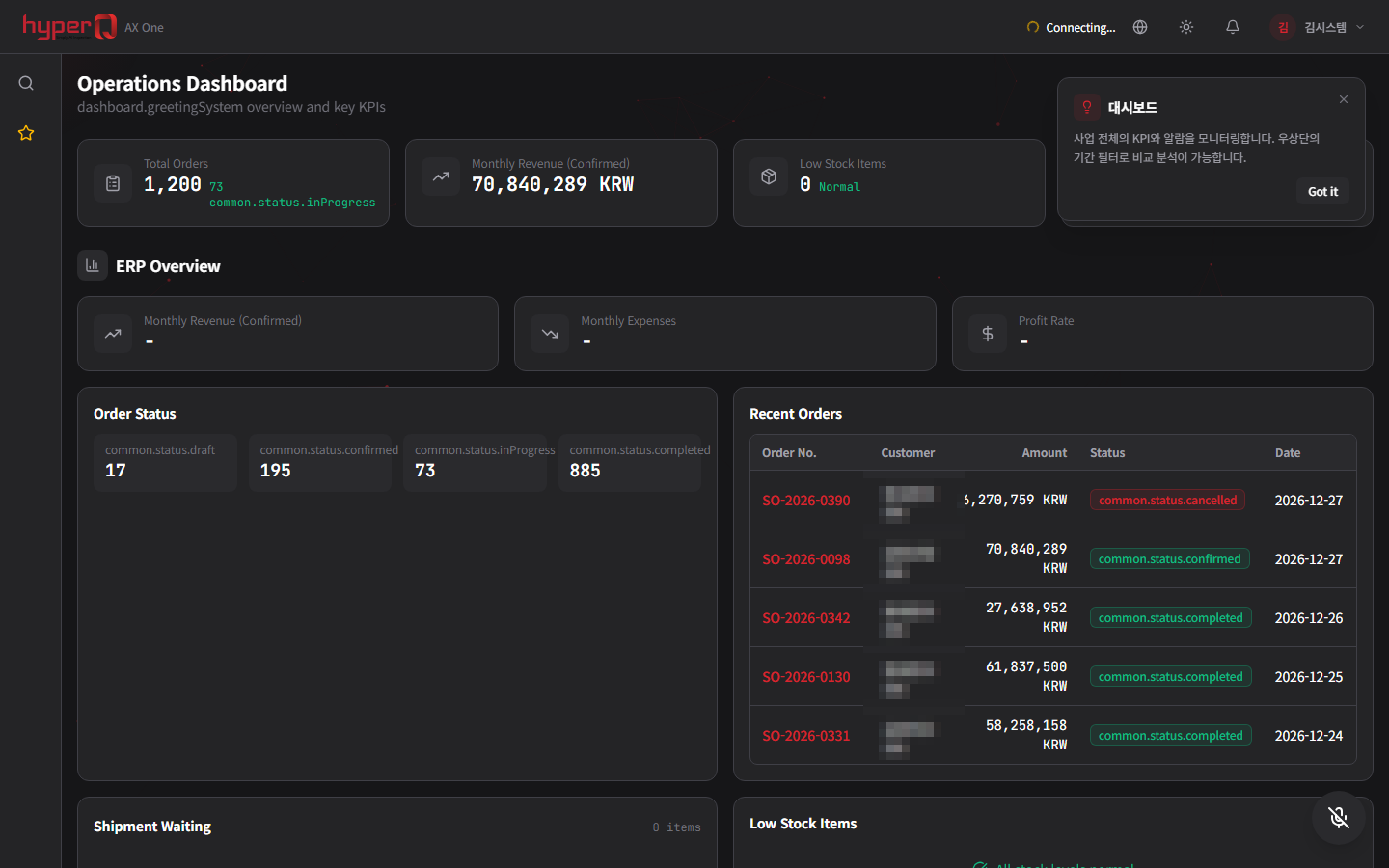
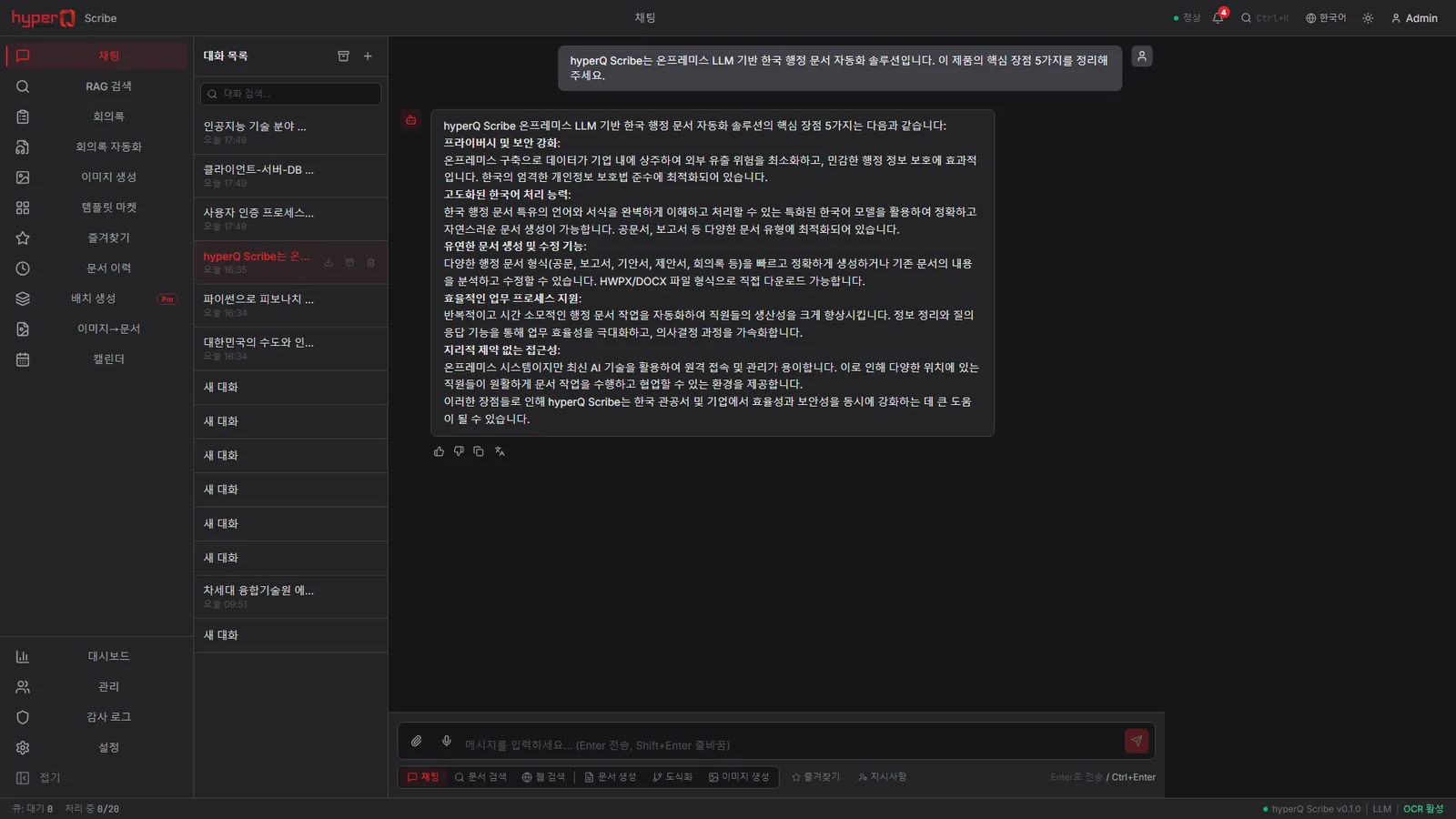
AI Safety doesn't run alone — it works in concert with the hyperQ lineup.
Industry Stack
Industry Stacks this product belongs to
This product is part of the recommended configuration for the industry Stacks below. If the bottleneck described here matches your floor, it is time to start a review.
Do your plant operations data, AI inspection, and safety events stay in separate systems?
When production, quality, and safety data stay on separate screens, decisions lag and field response repeats.
Compare this industry's packages →Are floor safety events being captured as reportable records?
When site CCTV, access logs, safety inspections, and reports are managed separately, incident response slows and evidence is only hunted down after the fact.
Compare this industry's packages →Do floor events feed straight into regulatory documents and records?
When floor events and regulatory documents move separately, audit response slows and the risk of missing records grows.
Compare this industry's packages →How to evaluate
How review and quoting work
The review sequence and quote structure used for hyperQ package deployments.
Consultation → Paid pilot → Full deployment
A free consultation confirms your industry, bottleneck, and security conditions, then lays out candidate packages and checkpoints. From there a paid pilot — scope, timeline, validation criteria, and deliverables agreed up front — validates the fit and carries into full deployment.
Standard SW, hardware, and custom implementation are quoted separately
Standard software is an annual subscription license, hardware is supplied at cost (bring your own is possible), and custom implementation is scoped by statement of work (SOW). Operations after delivery continue through a care pack.
Request the AI Safety catalog
We do not host the files on the site. Request one and our team will email you the latest cut.
Request a catalog →Packages
Packages this product fits into
AI Safety is proposed as part of a deployment package, not as a standalone item.
Next Step