
Service Domain Live
hyperQ Entitle
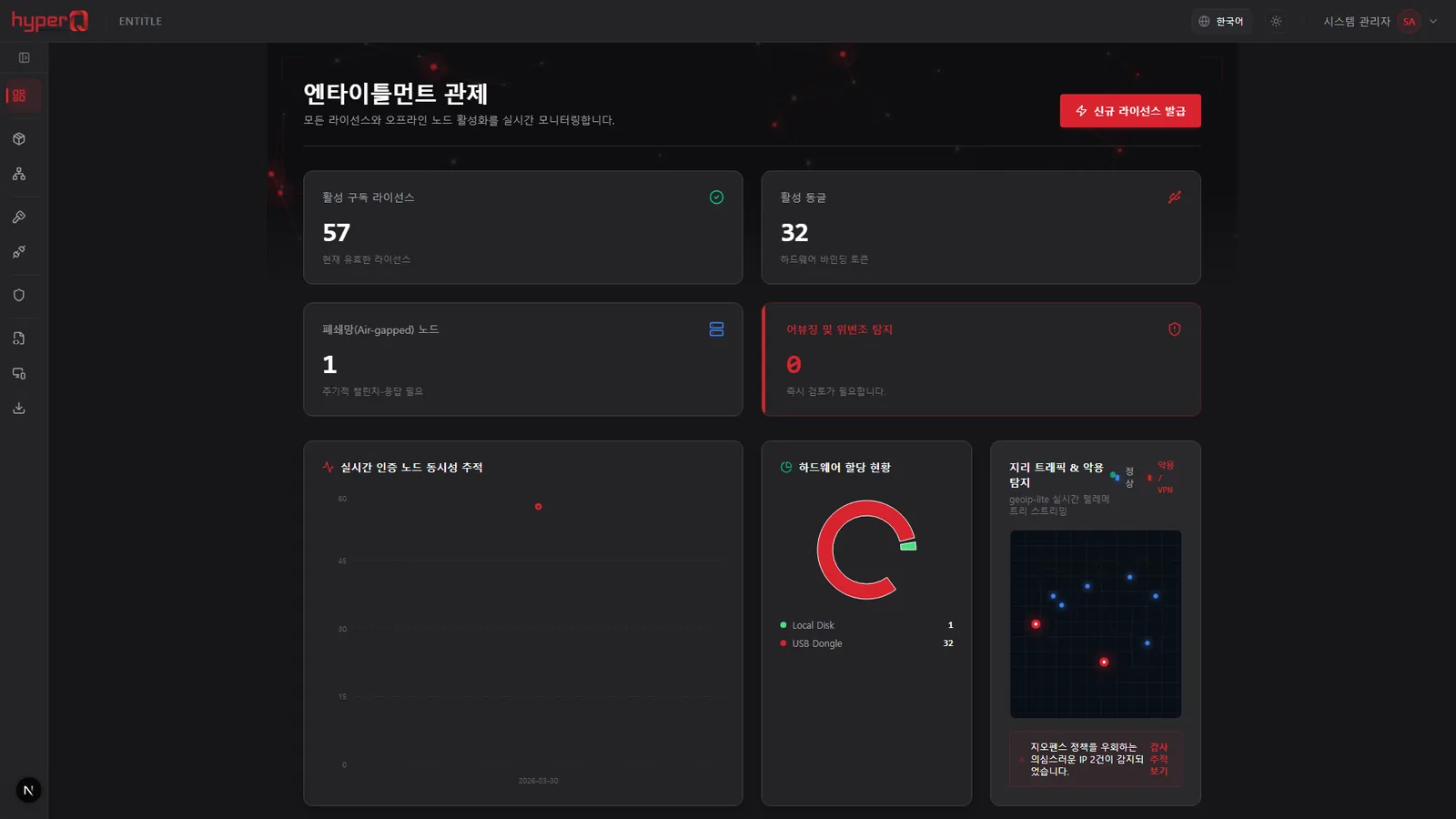
hyperQ Entitle is a platform that manages software license issuance, activation, renewal, and revocation, device binding, and usage entitlements in one place. It supports both always-connected environments and fully isolated air-gapped networks, and attaches to products through SDKs in 7 languages plus OIDC and webhooks.
Role
The central license and entitlement management server shared across the hyperQ product family
Capabilities
What Entitle does
License issuance, suspension, and revocation, with automatic handling of term expiration
Online activation and air-gapped (closed-network) offline activation in parallel
Node-locked, concurrent-seat, and metered license models
Device fingerprint binding and blacklist registration for lost or stolen equipment
Hierarchical tenants running from headquarters to resellers to customers, with quota transfer management
Audit log lookup and export in immutable formats (CSV, JSON)
OIDC-based product SSO, two-factor authentication (TOTP), and multi-tenant membership
Screens for the plan catalog, subscriptions, invoices, and usage aggregation
Webhook delivery — signature headers attached, automatic retries, and automatic endpoint deactivation after repeated failures
Where it is used
Where it is used in the field
Issuing licenses for air-gapped equipment
On equipment at factories, medical facilities, and defense sites without internet access, a request file is generated and carried out by USB or QR code; the admin portal then verifies device fingerprint integrity and issues a signed license file. When equipment is decommissioned, the release proof code issued by the device is entered into the portal to reclaim the seat.
Concurrent user seat control
The product occupies a seat at login, sends heartbeats periodically, and returns the seat at logout. Occupancy beyond the seat count set in the plan is not permitted.
Reseller channel sales management
Headquarters allocates quota to a reseller, the reseller issues it out to its downstream customers, and a lower-level organization cannot see information about its parent or sibling organizations. Creating commission settlement batches and marking remittances as complete are handled in the admin screens.
Product login and feature gating
When a customer logs in to the product, the token and entitlement information issued by Entitle are used to check active modules and remaining quota, opening or closing features accordingly. When a license is revoked, the revocation event is delivered by webhook so the product can end that session.
Facts
Facts to check before adoption
How it's delivered
Service-based — operated at entitle.hyperq.run
What it connects to
- Seven SDKs: Node, TypeScript, Python, Java, C#, Go, and C++
- Product SSO on the OIDC standard — web, desktop, and mobile apps
- Webhook delivery to link external systems such as Slack and SIEM
- Stripe payment and subscription integration, and automatic issuance of Popbill electronic tax invoices
- Physical key binding through the USB dongle provisioning tool
- Used as the shared license server for the hyperQ product family
Pre-consultation checks
- Product codes, pricing plans, and OAuth clients must be registered in advance before integration
- Redirect URIs are checked by exact match, and HTTPS is required in production
- A webhook receiving URL and a shared secret must be prepared, and signature verification must be implemented on the receiving side
- Air-gapped activation requires processing within 24 hours of generating the request file, plus a USB transfer-in/out procedure
Supported environments
Supported environments
Items to check against your current operating environment. Environments not on this list can be confirmed during a consultation.
Administrator portal and customer self-service portal provided
Integration with always-connected (SaaS) products
Online license lookup for customer self-hosted products
Offline activation on fully internet-disconnected closed networks (air-gapped)
USB dongle provisioning tool: Windows 10/11 x64
SDK runtimes: Python 3.9+ / .NET 6+ / JDK 17+ / Go 1.21+ / C++17
Works with
Products used together
Entitle doesn't run alone — it works in concert with the hyperQ lineup.
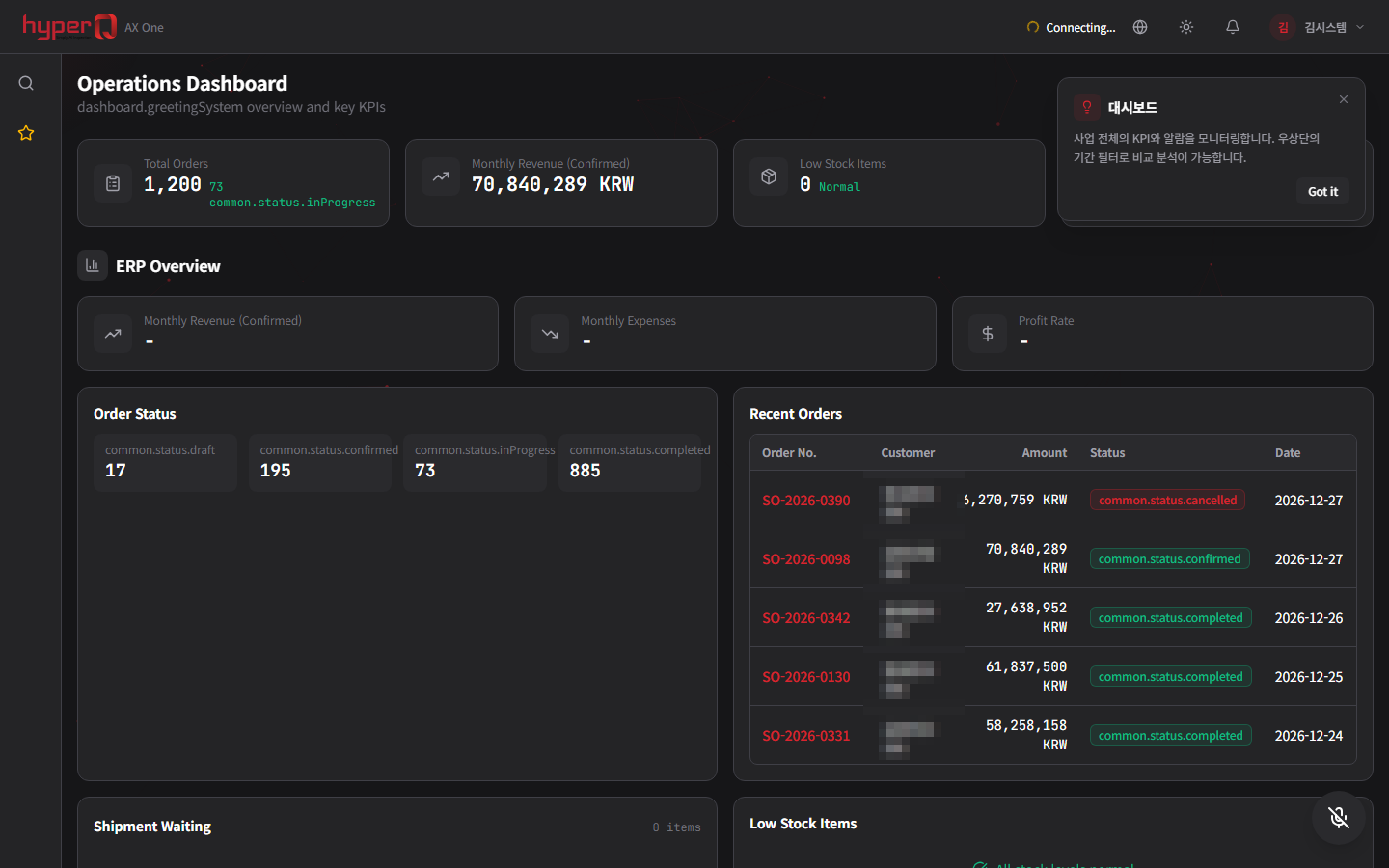
hyperQ AX ONE
A manufacturing integration system that runs MES, SCM, quality, and AI on a single platform with ERP at the core
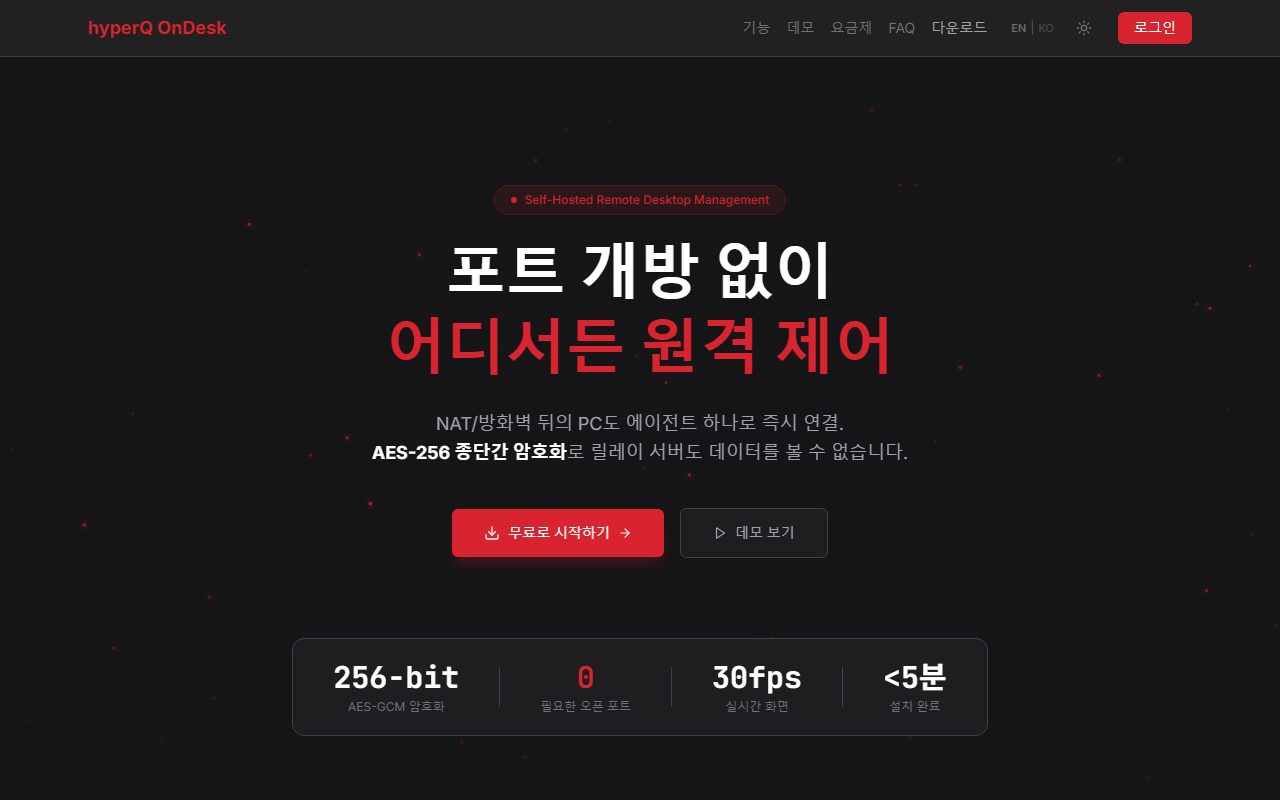
hyperQ OnDesk
A remote desktop platform for remotely controlling and managing PCs behind firewalls and NAT without opening inbound ports
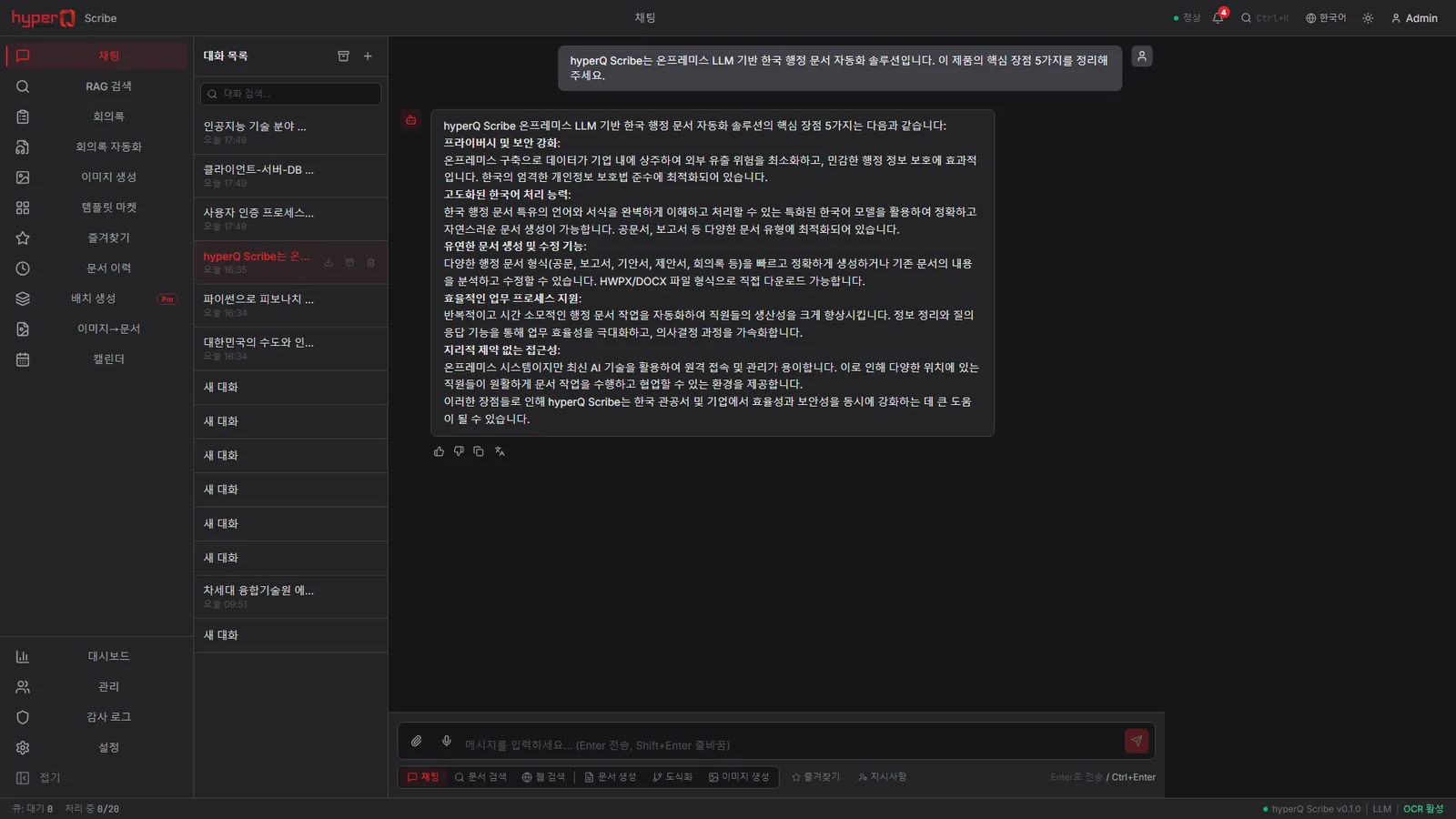
hyperQ Scribe
A Korean administrative document automation platform operated on the internal network with no external network connection
Industry Stack
Industry Stacks this product belongs to
This product is part of the recommended configuration for the industry Stacks below. If the bottleneck described here matches your floor, it is time to start a review.
Do your plant operations data, AI inspection, and safety events stay in separate systems?
When production, quality, and safety data stay on separate screens, decisions lag and field response repeats.
Compare this industry's packages →Do inspection models, quality aggregation, and line support shift again with every product change?
When inspection conditions and models shift with every product change, quality response lags and line rollout costs rise.
Compare this industry's packages →Hard to use external AI due to security policy, but still need document work automation?
The harder it is for an organization to open up external AI, the more it needs a starting point for document automation - but when access and support systems are separate, adoption gets delayed.
Compare this industry's packages →How to evaluate
How review and quoting work
The review sequence and quote structure used for hyperQ package deployments.
Consultation → Paid pilot → Full deployment
A free consultation confirms your industry, bottleneck, and security conditions, then lays out candidate packages and checkpoints. From there a paid pilot — scope, timeline, validation criteria, and deliverables agreed up front — validates the fit and carries into full deployment.
Standard SW, hardware, and custom implementation are quoted separately
Standard software is an annual subscription license, hardware is supplied at cost (bring your own is possible), and custom implementation is scoped by statement of work (SOW). Operations after delivery continue through a care pack.
Request the Entitle catalog
We do not host the files on the site. Request one and our team will email you the latest cut.
Request a catalog →Packages
Packages this product fits into
Entitle is proposed as part of a deployment package, not as a standalone item.
Next Step