
Service Domain Live
hyperQ OnDesk
hyperQ OnDesk is a remote desktop and PC management platform that performs remote screen control, file transfer, and command execution through a 9-digit connection ID, without opening inbound ports or assigning a public IP on the managed PC. In addition to its own protocol, it provides RDP, VNC, SSH, and Telnet access from the same device list, and it also covers access control across many PCs through session approval policies, IP whitelists, audit logs, and organization-level permission separation.
Role
A remote desktop platform for remotely controlling and managing PCs behind firewalls and NAT without opening inbound ports
Capabilities
What OnDesk does
Connect to PCs behind firewalls and NAT with a 9-digit connection ID — no inbound port opening or public IP required on the target PC
RDP, VNC, SSH, and Telnet access provided from the same device list as native protocol sessions
Devices with open ports connect directly; devices with closed ports connect through the agent installed on that PC
Use the remote screen and terminal in a web browser without installing a separate viewer
Remote command execution, power control (restart, shutdown, Wake-on-LAN), process termination, and starting/stopping Windows services without a screen session
Automatically collects hardware, software, OS, and network information for review per device
File transfer, clipboard sync, chat, screen annotation, multi-monitor switching, and local recording on the controller side
Five session approval modes (manual, prompt, automatic, whitelist, block), unattended access passwords, and IP whitelists enforced from the server
End-to-end encryption of session data (AES-256-GCM)
Records connections, logins, command executions, and file transfers in audit logs that cannot be modified or deleted, and applies organization/tenant separation with four levels of role permissions
Where it is used
Where it is used in the field
Remote support for on-site equipment PCs
Connect to site PCs behind a private-network firewall without port forwarding or a public IP and take action while viewing the screen. Once the app is installed on the target PC, it connects via a 9-digit connection ID, and no inbound setting changes are needed on the router or firewall.
Batch checks across many PCs
Handle multiple machines in sequence through remote command execution, Windows service restarts, and power control without a screen session, and look up installed software and hardware specifications from the values collected automatically in the inventory. PCs that are powered off are woken with Wake-on-LAN before the work starts.
Unified access across mixed server and device environments
Group RDP servers, VNC devices, and SSH Linux servers by the protocol badges on their device cards and connect from a single console. When ports are open, connect directly without installing the app on the target; when ports are closed, go through the agent installed on that PC.
Access control for external personnel
Session approval modes and IP whitelists enforce who may connect and when from the server, and connections, command executions, and file transfers are recorded automatically in audit logs. Areas of responsibility are separated by organization/tenant.
Facts
Facts to check before adoption
How it's delivered
Service-based — operated at ondesk.hyperq.run
What it connects to
- hyperQ Entitle — license and subscription verification, plus OIDC SSO login with an Entitle account
- Connects to existing RDP, VNC, SSH, and Telnet servers and devices without modifying them
- The desktop app stores connection accounts in the OS credential store and enters them automatically on reconnection
Pre-consultation checks
- For PCs with closed ports, installing the app (agent) on the target PC is a prerequisite
- Licensing is based on two axes, concurrent sessions and number of users — the scale of concurrent connections has to be estimated before deployment
- The scope of file transfer, SSH terminal, session recording, and organization/tenant separation differs by plan
- The level of real-environment validation differs by protocol, so the connection for the protocol you will use has to be verified on the actual target devices before deployment
- For air-gapped (no internet) operation, offline license activation is based on the self-hosted build, so the approach has to be agreed in advance
Supported environments
Supported environments
Items to check against your current operating environment. Environments not on this list can be confirmed during a consultation.
Windows 10/11 — a single installer for both the controlled and controlling sides
Linux (Ubuntu, Debian, and Fedora families)
Web console — device management and remote access from a browser alone
Both service-based (ondesk.hyperq.run) and self-hosted builds are supported
No inbound port opening or public IP required on the managed PC
Devices reachable by IP or domain with open ports are registered without installing the app on the target
Works with
Products used together
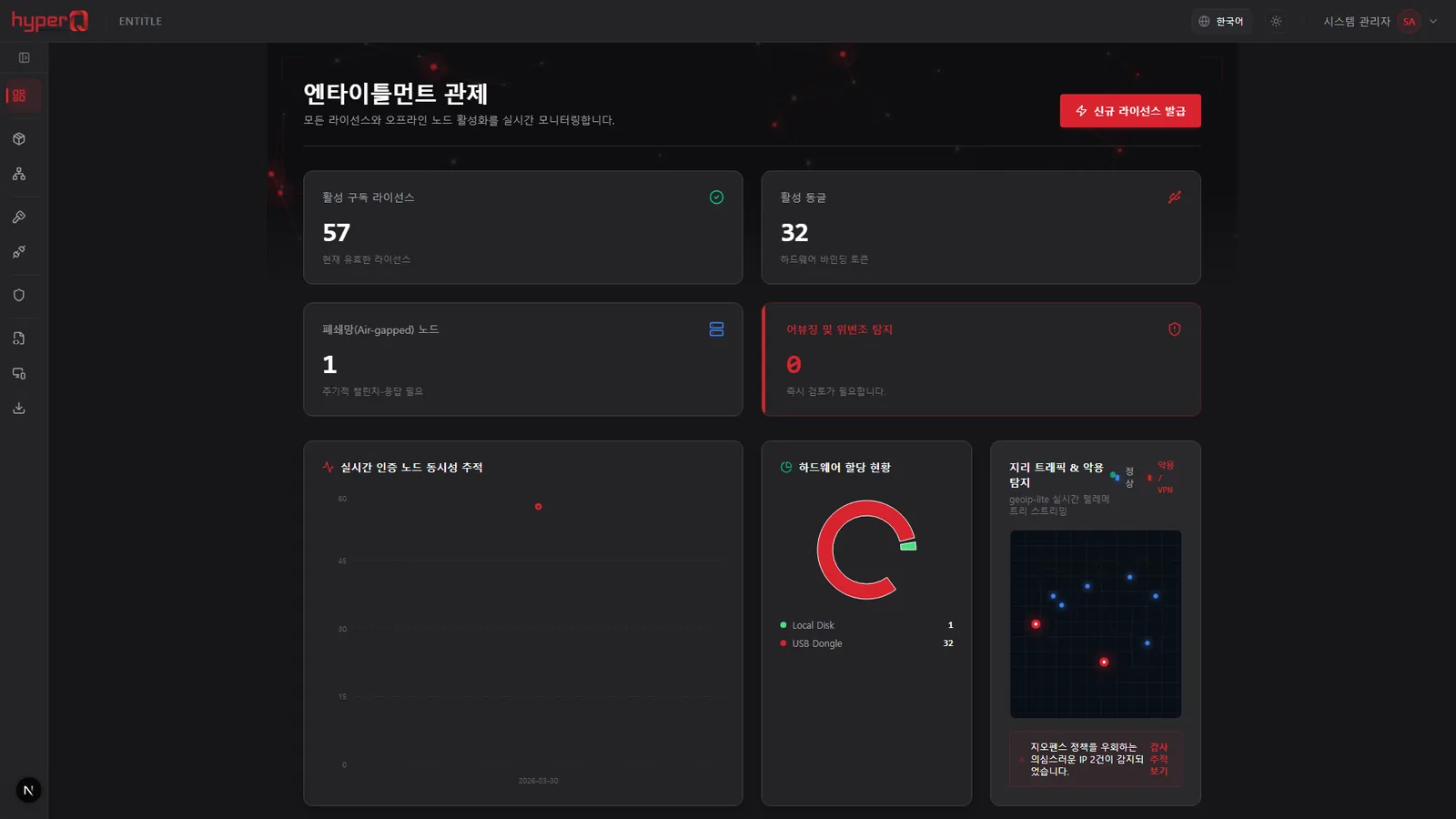
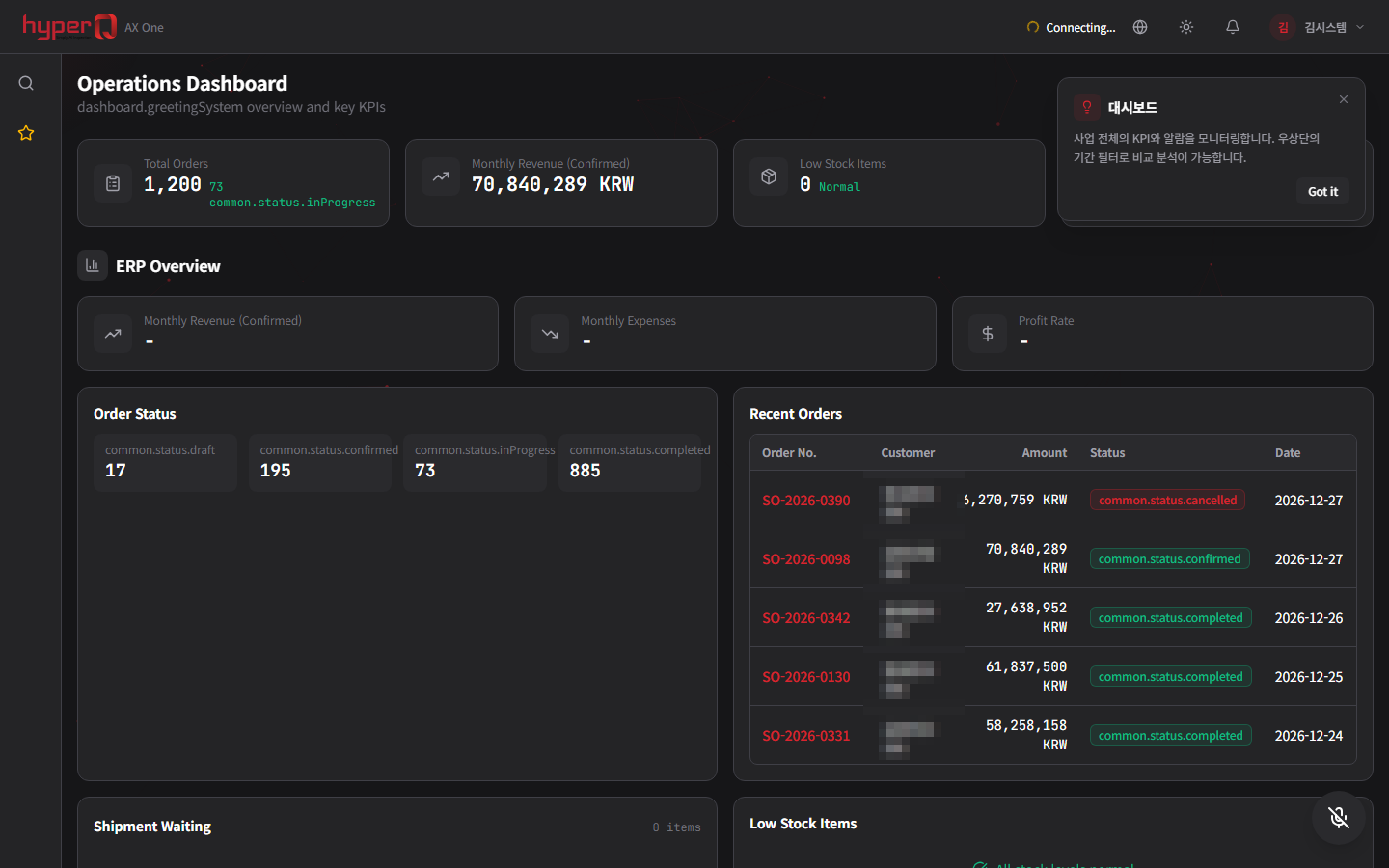
OnDesk doesn't run alone — it works in concert with the hyperQ lineup.
Industry Stack
Industry Stacks this product belongs to
This product is part of the recommended configuration for the industry Stacks below. If the bottleneck described here matches your floor, it is time to start a review.
Do your plant operations data, AI inspection, and safety events stay in separate systems?
When production, quality, and safety data stay on separate screens, decisions lag and field response repeats.
Compare this industry's packages →Do inspection models, quality aggregation, and line support shift again with every product change?
When inspection conditions and models shift with every product change, quality response lags and line rollout costs rise.
Compare this industry's packages →Hard to use external AI due to security policy, but still need document work automation?
The harder it is for an organization to open up external AI, the more it needs a starting point for document automation - but when access and support systems are separate, adoption gets delayed.
Compare this industry's packages →How to evaluate
How review and quoting work
The review sequence and quote structure used for hyperQ package deployments.
Consultation → Paid pilot → Full deployment
A free consultation confirms your industry, bottleneck, and security conditions, then lays out candidate packages and checkpoints. From there a paid pilot — scope, timeline, validation criteria, and deliverables agreed up front — validates the fit and carries into full deployment.
Standard SW, hardware, and custom implementation are quoted separately
Standard software is an annual subscription license, hardware is supplied at cost (bring your own is possible), and custom implementation is scoped by statement of work (SOW). Operations after delivery continue through a care pack.
Request the OnDesk catalog
We do not host the files on the site. Request one and our team will email you the latest cut.
Request a catalog →Packages
Packages this product fits into
OnDesk is proposed as part of a deployment package, not as a standalone item.
Next Step