
Service Domain Live
hyperQ VAI Ops
hyperQ VAI Ops is an End-to-End Vertical AI platform that labels images, video, and 3D point clouds as well as text, audio, time-series, and tabular data in one place, then trains and compares models before deploying them to an inference API or to edge devices in the field. It operates in two forms — cloud SaaS and installation on the customer's internal network (on-premises and closed-network) — and the flow in which domain experts build models themselves and put them into the field, as in manufacturing inspection, runs on a single platform.
Role
An industrial AI operations platform connecting data labeling through model training, conversion, and edge deployment
Capabilities
What VAI Ops does
2D/3D labeling — boxes, oriented boxes (OBB), polygons, masks, keypoints, 3D cuboids
Dedicated labeling screens for text, audio, time-series, and tabular data
Labeling for extended tasks such as MOT, ReID, action recognition, and VQA
A workflow of model-based auto-labeling followed by human review
Compose training workflows with a drag-and-drop pipeline
Model training across 7 categories such as vision, anomaly detection, NLP, audio, time-series, and tabular
Defect detection from a text prompt alone — no training required
Rotation-invariant segmentation and polar-coordinate preprocessing for inspecting circular and ring-shaped parts
Model conversion for edge deployment (ONNX, TensorRT, and others) and INT8 quantization
Where it is used
Where it is used in the field
Deploying visual inspection in manufacturing
Train an anomaly detection model on images of good products, or start inspecting without training by writing out the defect types as text. Results in the 80–90% confidence band are collected into a Gray-zone review queue for an operator to judge.
Inspection of rotated and circular parts
Parts whose placement orientation is not consistent — bearings, gears, wafers — are labeled with rotated bounding boxes and trained with a rotation-invariant segmentation model. For concentric-circle parts, polar-coordinate preprocessing is added to the pipeline to suit defect detection.
Deployment to edge devices in the field
Convert trained models to ONNX/TensorRT and load them onto field devices such as Jetson, then update improved models over OTA. If server-side inference is needed, deploy as an inference API and use Blue/Green switchover and rollback.
Unifying data beyond vision
Equipment sensor time-series, tabular measurement data, work document text, and equipment noise audio are labeled on the same platform and trained with models for each domain. There is no need to attach a separate tool for each data type.
Facts
Facts to check before adoption
How it's delivered
Service-based — operated at vaiops.hyperq.run
What it connects to
- Deploy trained models as an inference API — Blue/Green switchover and rollback
- Deployment to edge devices (Jetson, Raspberry Pi) plus OTA model updates
- On-device inference library — query and select the execution hardware at runtime
- Import of standard annotation formats (COCO, YOLO, DOTA) and export (COCO, YOLO, VOC, DOTA, LabelMe, and others)
- Hugging Face dataset import — automatic schema detection, then conversion to the platform format
- SSO login (OIDC) integration using a hyperQ Entitle account
Pre-consultation checks
- Secure an NVIDIA GPU for training — T4 or higher, CUDA 12.4+
- On-premises minimum: 8 cores, 32 GB RAM, 500 GB SSD for data
- Some in-house segmentation models require additional ML packages to be configured at installation
Supported environments
Supported environments
Items to check against your current operating environment. Environments not on this list can be confirmed during a consultation.
Cloud SaaS (multi-tenant) or on-premises installation at the customer site
On-premises: single-server Docker Compose or Kubernetes (Helm) installation
Offline installation procedure provided for internet-disconnected closed networks (air-gapped)
Training jobs require an NVIDIA GPU — no CPU fallback
Edge targets: NVIDIA Jetson (Nano/Xavier/Orin), Raspberry Pi
Web browser-based console, with Korean and English interfaces
Works with
Products used together
VAI Ops doesn't run alone — it works in concert with the hyperQ lineup.
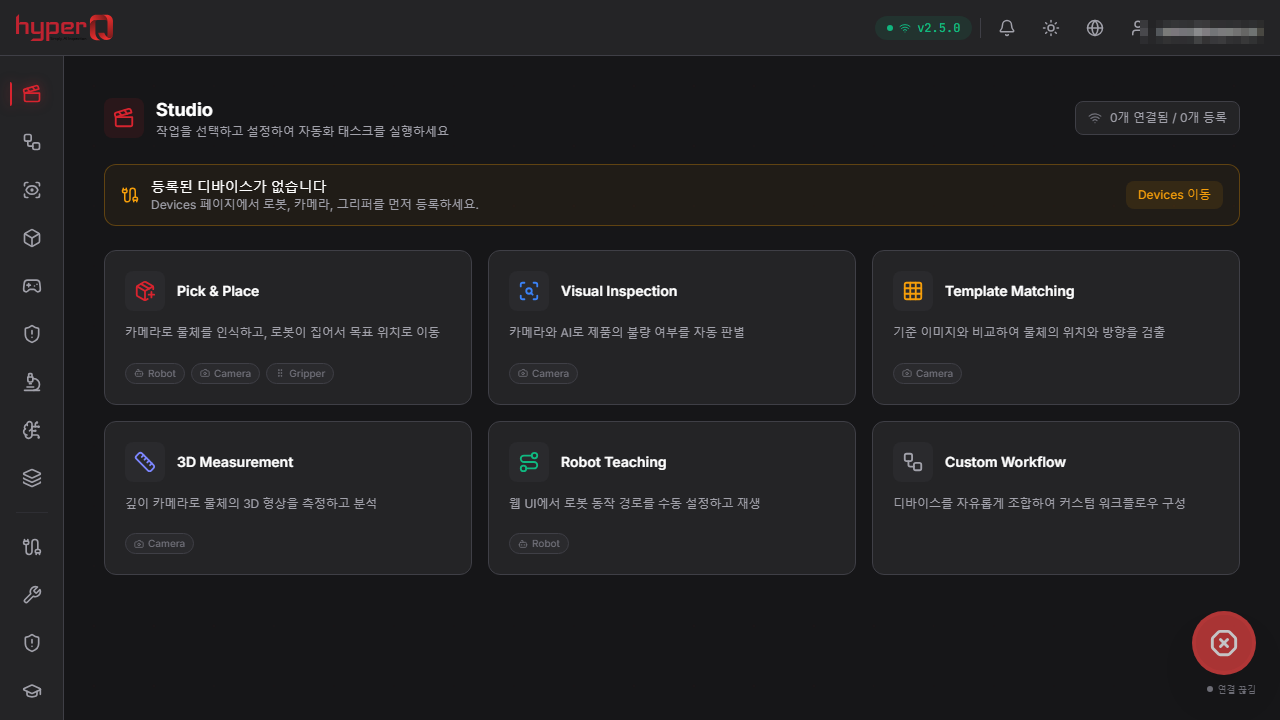
hyperQ AI Robision
A robot vision AI system that operates robots, cameras, and grippers from multiple manufacturers together on one platform
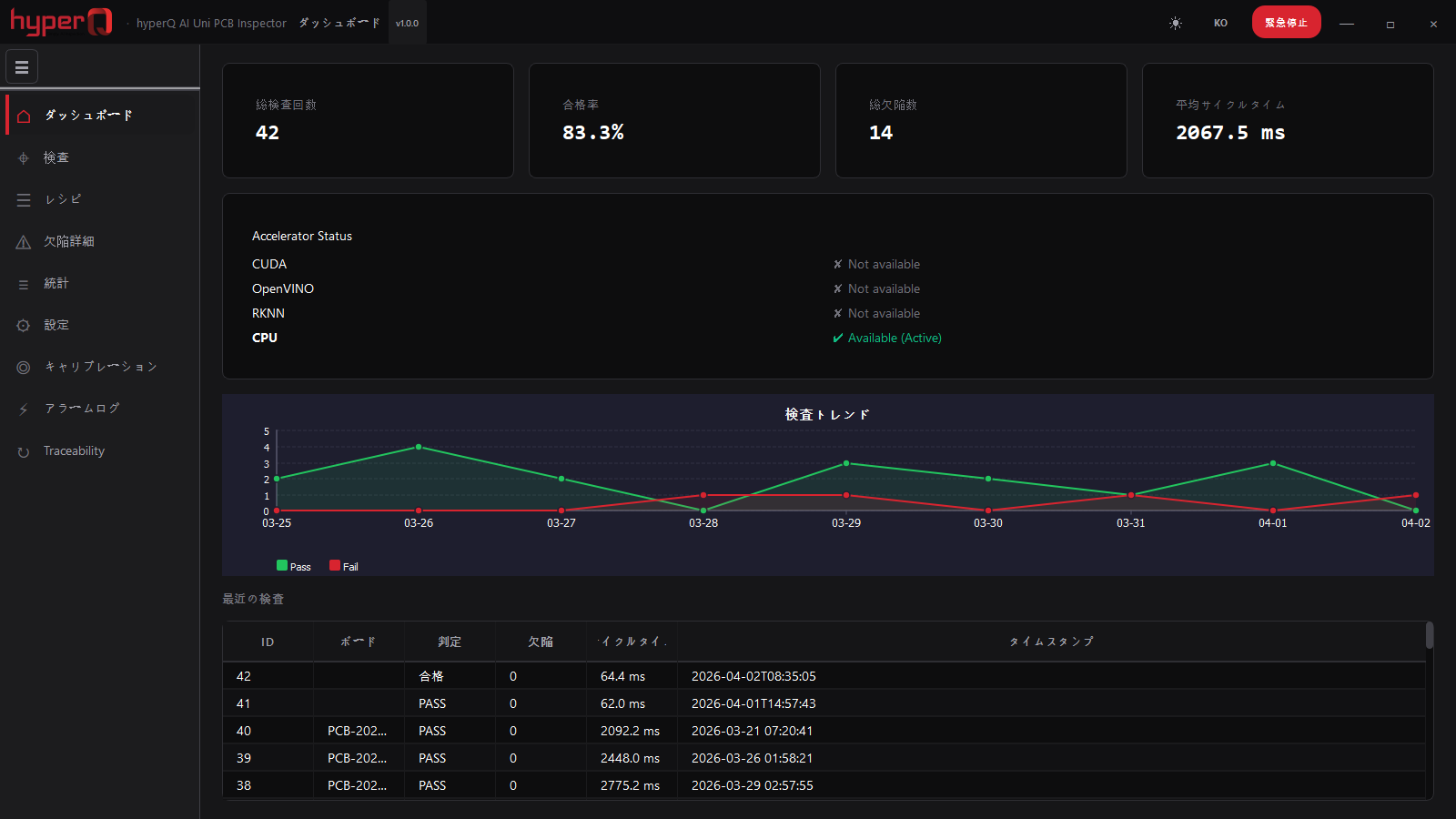
hyperQ AI PCB Uni Inspector
Installed optical inspection software that detects PCB defects by golden-board comparison, with no training required
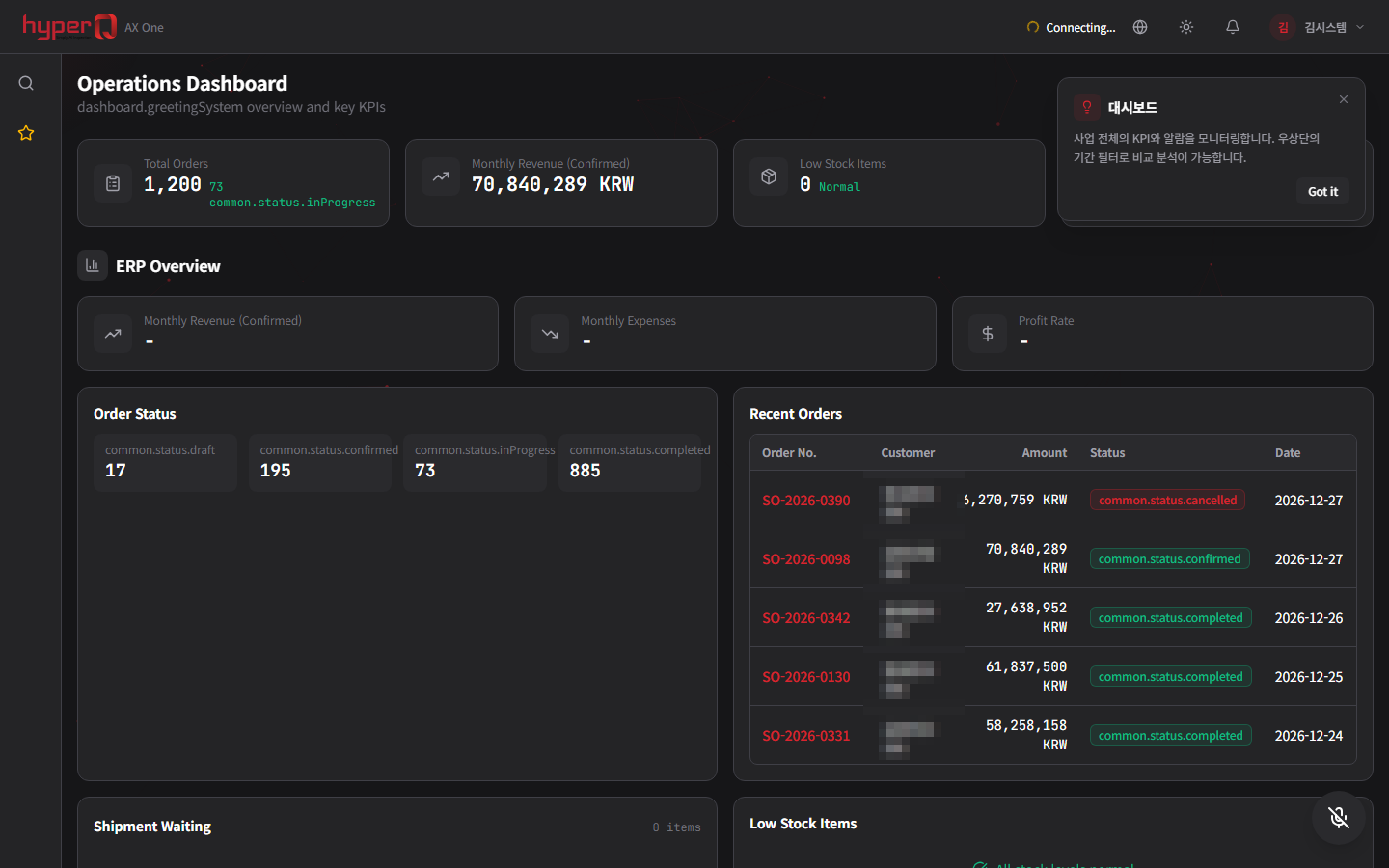
hyperQ AX ONE
A manufacturing integration system that runs MES, SCM, quality, and AI on a single platform with ERP at the core
Industry Stack
Industry Stacks this product belongs to
This product is part of the recommended configuration for the industry Stacks below. If the bottleneck described here matches your floor, it is time to start a review.
Do your plant operations data, AI inspection, and safety events stay in separate systems?
When production, quality, and safety data stay on separate screens, decisions lag and field response repeats.
Compare this industry's packages →Do inspection models, quality aggregation, and line support shift again with every product change?
When inspection conditions and models shift with every product change, quality response lags and line rollout costs rise.
Compare this industry's packages →How to evaluate
How review and quoting work
The review sequence and quote structure used for hyperQ package deployments.
Consultation → Paid pilot → Full deployment
A free consultation confirms your industry, bottleneck, and security conditions, then lays out candidate packages and checkpoints. From there a paid pilot — scope, timeline, validation criteria, and deliverables agreed up front — validates the fit and carries into full deployment.
Standard SW, hardware, and custom implementation are quoted separately
Standard software is an annual subscription license, hardware is supplied at cost (bring your own is possible), and custom implementation is scoped by statement of work (SOW). Operations after delivery continue through a care pack.
Request the VAI Ops catalog
We do not host the files on the site. Request one and our team will email you the latest cut.
Request a catalog →Packages
Packages this product fits into
VAI Ops is proposed as part of a deployment package, not as a standalone item.
Next Step